1. No user installed addons are supported, python or otherwise.
2. No, they really are not supported.
3. They are not coming back
4. Read from 1. again
Any mention of illegal streaming sites, addons or any pirated material will not be tolerated. This is not democracy and any offenders will be banned and posts deleted immediately without warning.
Other than that, we hope you enjoy MrMC so far and we welcome any input and feedback you might have.
yesterday i swichted from an Android TV Box with Kodi to the Apple TV 4K with MrMC.
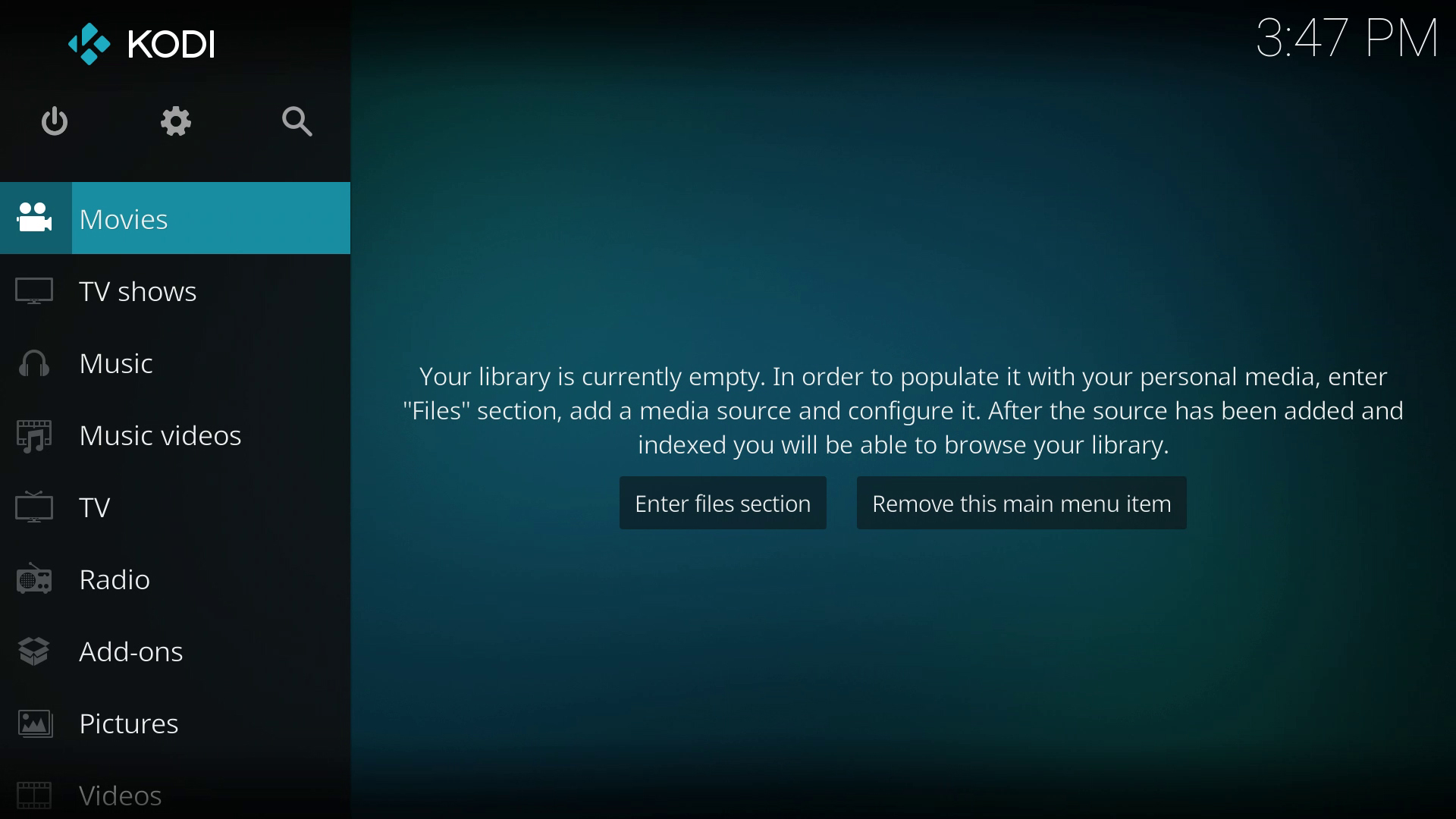
I was wondering that there is no "Kodi like" Sidebar ( https://www.digitalewelt.at/wp-content/ ... screen.jpg ) or Shortcut Items on my MrMC homescreen.
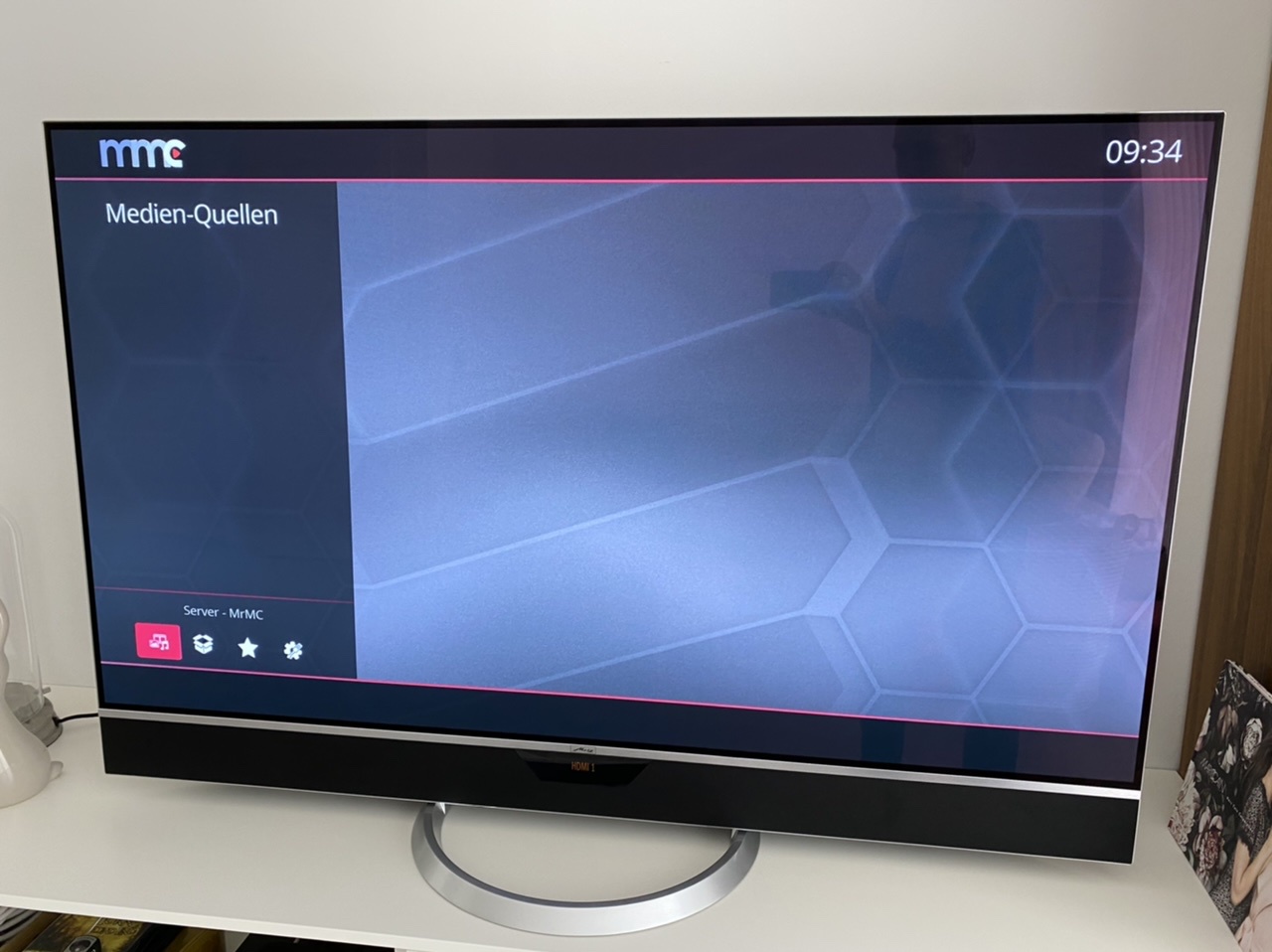
Only Media Sources and the 4 Shortcuts on the downside are availible:
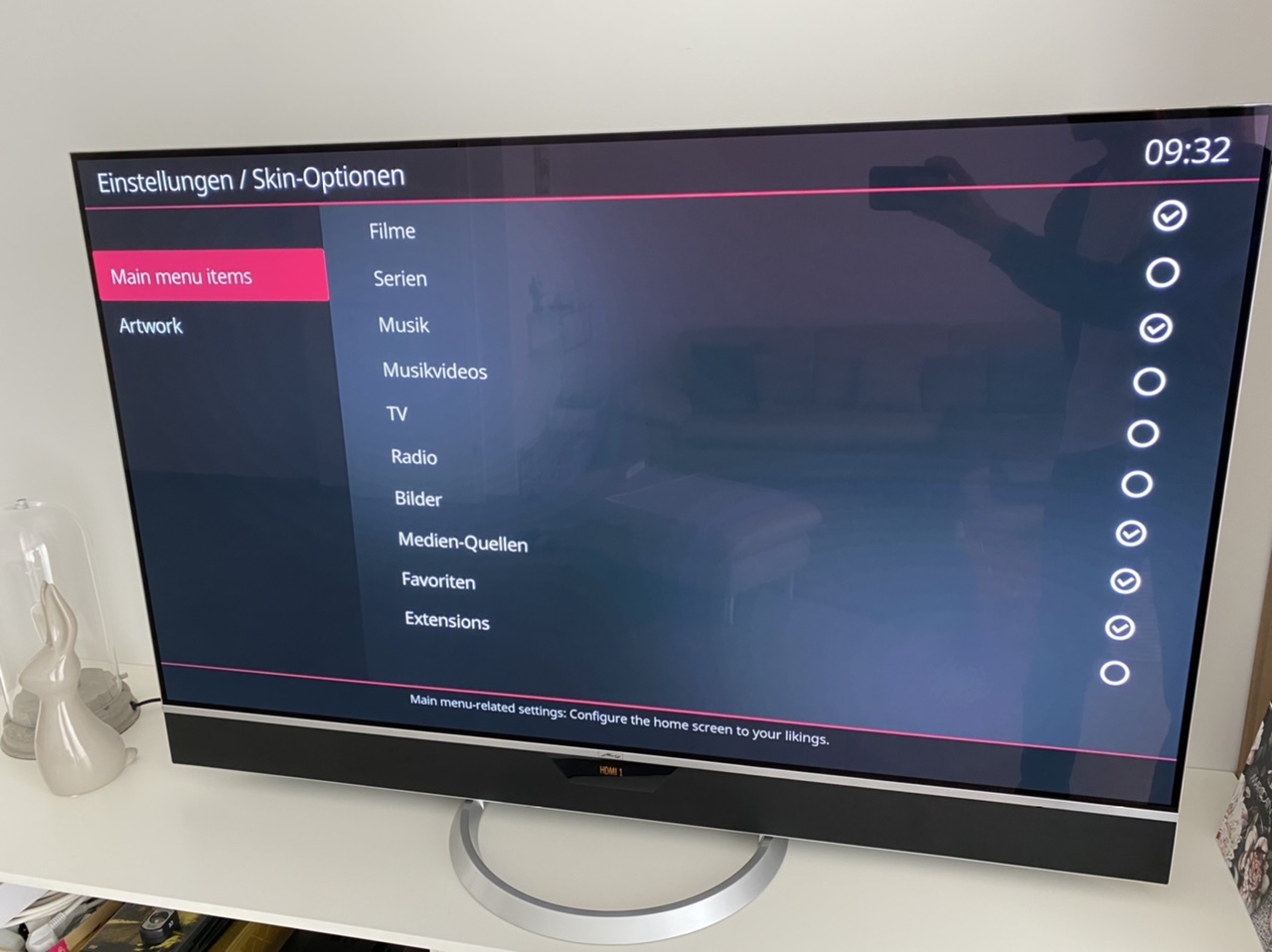
I was confuesed because Movies, Music, Pictures, ... are activated in Main Menu Items:
PS. I was wondering that 1080p Video will upscale to 4K2K, is that right? *** EDIT *** Get the answer in another Forum, this seems to be okay.
During the "add source" progress i choose "local info only" because the movie DB was not 100% correct, some movies are wrong identified.
And yes - if i choose a movie DB and complete the scan the movies are shown at the homescreen.
But my initially question was how to get the "Movies", "Music", "Pictures", ... buttons on the homescreen.
I activated the buttons in the skin options as you can see in my second screenshot but nothing appears.
PS. I found a workaround to create a shortcut for the NFS share on the homescreen (long click at the siri remote > "add source to homescreen").
We figured you sorted the issue as you posted the update that you found the solution on the other forum.
To show movies, Tv Show or pictures on home you have to create the relevant library or to add the folder to home screen. If the library is created and the button is enabled in the skin settings(as per your screen shot) then That library button will show on home
You can add any folder to home screen manually but that won’t populate the library, it will just be a list of items that you can view
well, no... we have that, below screenshots of 2 skins... excuse the debug overlay.
Like I said, if the Video library is setup properly, it will populate the movies and/or tvshows and display the Movie/Tv Show buttons. same goes for Music and Pictures
Screenshot 2020-04-21 22.21.14.jpg
Screenshot 2020-04-21 22.22.13.jpg
You do not have the required permissions to view the files attached to this post.
Now i have understand the logic of the MrMC Sidebar. Thanks!
But sadly the "Movies" Button are only shown in Sidebar if i set a Movie DV for the Source. If i select "Local Information only" the "Movie" Button didnt displayed
local information still needs the information, it uses NFO file in the video folder to create the DB. if there is no NFO file, there is no information and there is no DB to be created.
you can add the source without setting any content on it and adding it to the homescreen